

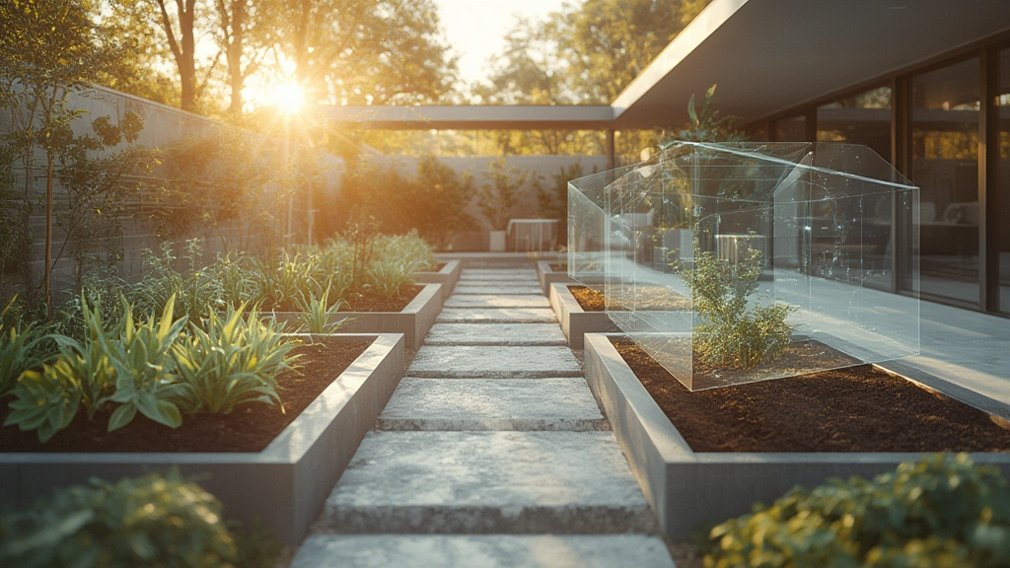
Digital Twins in Gardening is transforming the way gardeners design, plan, and manage outdoor spaces. This technology lets you create a precise virtual replica of your real garden, test ideas before planting, and spot potential issues—long before you dig your first hole.
Key Takeaways
- Digital Twins in Gardening combine real garden data with advanced virtual modeling for better planning and resource efficiency.
- Current tools let users simulate plant growth, identify microclimates, and spot water usage issues—even before planting day.
- High costs and tech barriers remain, but cloud-based systems and AR apps are making advanced garden planning more accessible every year.
- What Are Digital Twins in Gardening?
- How to Use Digital Twins in Gardening: Step-by-Step
- Advanced Analysis and Common Pitfalls
- Conclusion
- FAQs
What Are Digital Twins in Gardening?
Imagine being able to plan your garden with almost scientific accuracy. Digital Twins in Gardening use software to create a dynamic model of your specific outdoor space. By combining your garden’s measurements, sunlight patterns, soil data, and plant preferences, digital twins help you experiment with layouts, simulate plant growth over seasons, and predict water or fertilizer needs.
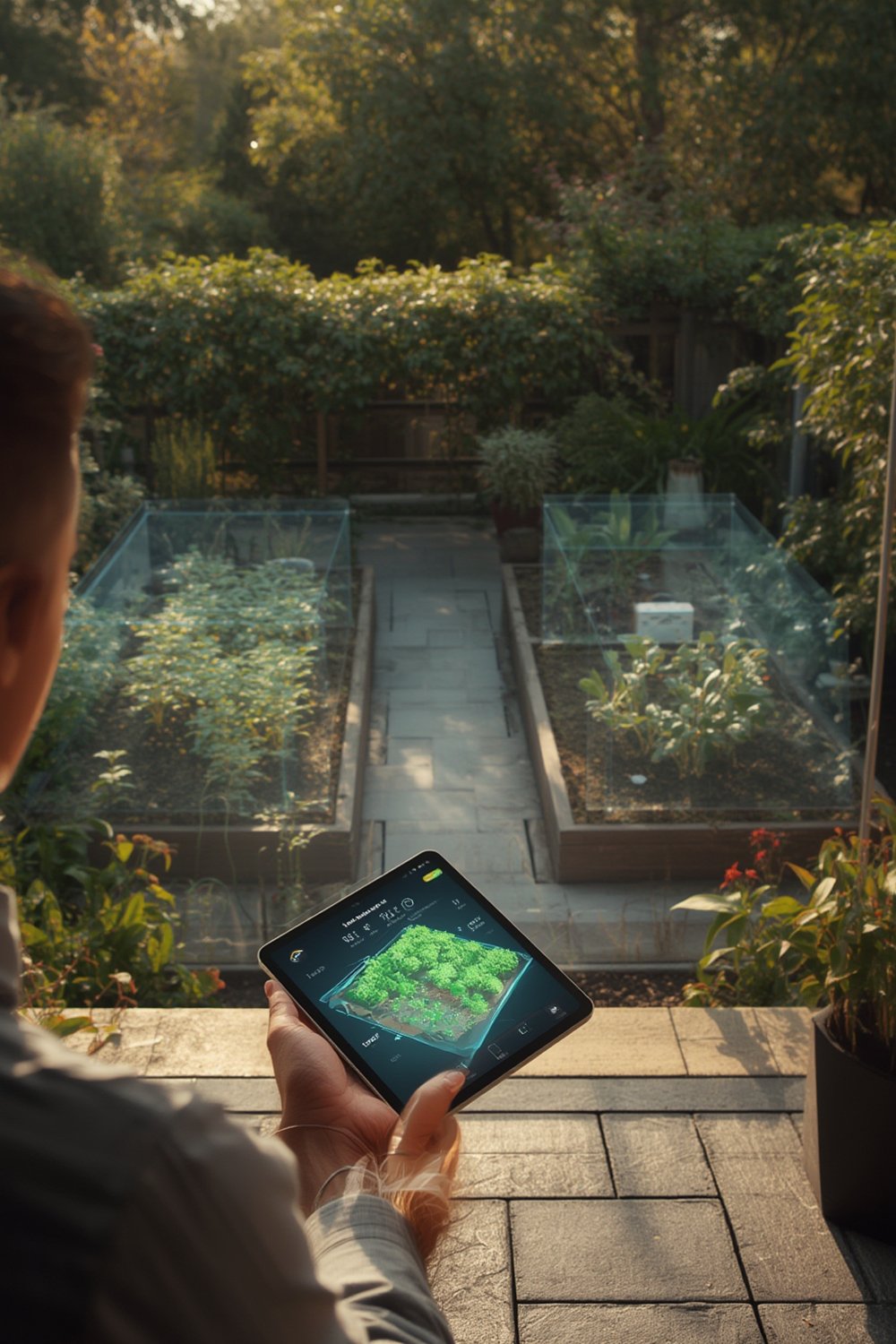
Digital twins first took off in manufacturing, but they’re gaining traction in agriculture and landscape design. While the global digital twin market is booming—projected to hit USD 16.44 billion by 2024 (source)—gardeners are just starting to explore the benefits. Homeowners, landscape designers, and even small urban farmers are using digital twins to maximize food yield, minimize waste, and plan beautiful spaces with confidence. This approach goes far beyond free virtual garden planners or 3D landscape apps. You build a living, evolving replica of your outdoor environment—down to the last flower bed.
Curious how technology is revolutionizing outdoor living? Dive into the details in our Expert’s Guide to Outdoor Living Spaces.
How to Use Digital Twins in Gardening: Step-by-Step
- Capture Garden Data – Start by mapping your current garden. Use a smartphone, drone, or AR-enabled app to take measurements. Note sunlight hours, slope, and current plant locations. soil sensors are ideal, but not essential.
- Choose Your Tools – Desktop software (like SketchUp or Realtime Landscaping) is best for detailed 3D models. For quick AR previews or small plots, mobile apps offer rapid results. Some tools provide cloud-based sharing, so you can collaborate with designers or landscapers.
- Create the Digital Twin – Input raw data into your chosen software. Many apps have plant libraries with growth and spread profiles. Digitally “plant” your selections and adjust placement until the arrangement fits your vision and environmental needs.
- Simulate Growth and Water Use – Run “growth simulations” to predict how your garden will look after months or years. Many tools let you test different watering schedules. Tweak layouts based on where water run-off or drought risk appears in the digital twin.
- Iterate and Optimize – Play with plant combinations, test shade trees, or plan edible rows—without disturbing real soil. Save multiple versions to compare and share with family or contractors.
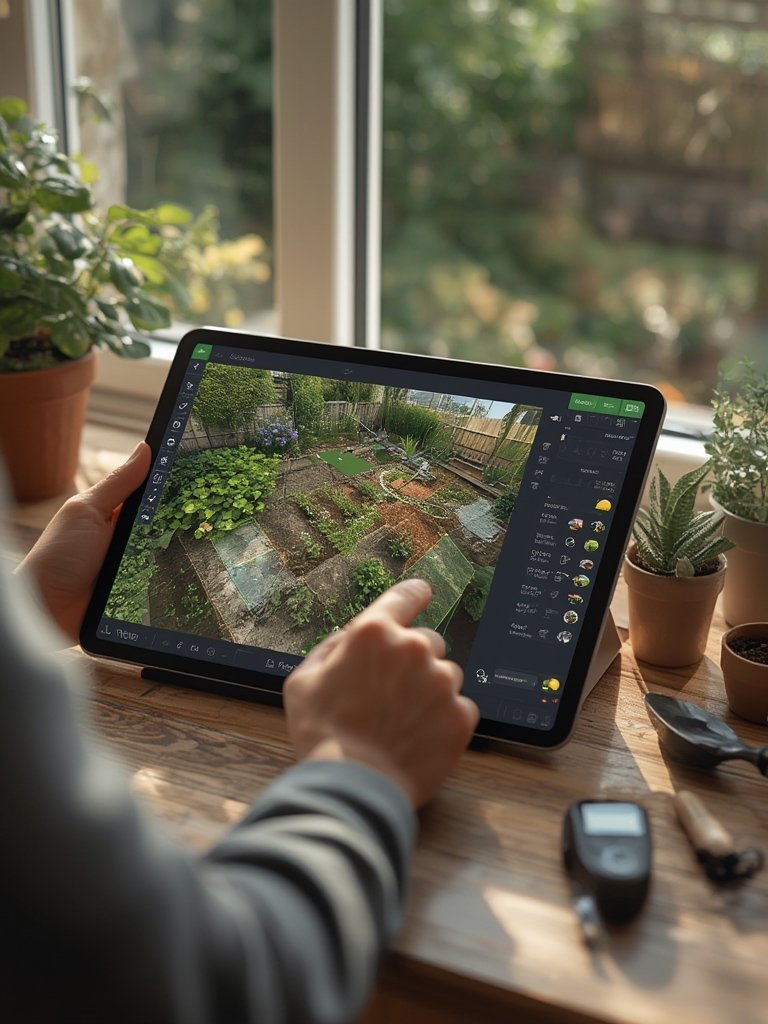
For further small-space inspiration, modular kits like Botanical Bento or Tabletop Veg let you test and adapt your layout virtually before committing to a real build.
Power users interested in garden rooms or detached offices can also benefit from digital twins by simulating year-round comfort and visualizing insulation and energy efficiency upgrades. See how with our guide to Backyard Garden Rooms.
Advanced Analysis and Common Pitfalls
While digital twins deliver big promises, they’re not without challenges. High costs, steep learning curves, and device compatibility issues are common. The precision of simulations depends on the accuracy of your data—garbage in, garbage out. Here’s what gardeners should watch out for:
| Challenge | What Can Go Wrong | Workarounds |
|---|---|---|
| High Upfront Costs | Advanced software, AR apps, and sensors can cost several hundred dollars—or more for VR walk-throughs. Not always practical for small gardens or casual projects. Source | Start with free/low-cost apps; look for cloud-based trial periods. |
| Data Accuracy | Wrong measurements, missing soil info, or ignoring shade can make simulations misleading. | Double-check data input; use simple test beds before full-scaling. |
| Steep Learning Curve | 3D modeling and AR apps can overwhelm beginners, resulting in abandoned projects. | Start with basic features; consult video tutorials. |
| Smartphone/Computer Compatibility | Not all phones support LiDAR scanning or AR; high-end modeling may require a powerful PC or VR headset. Source | Check specs before choosing software; cloud-based apps broaden compatibility. |
| Privacy and Security | Cloud-based planning apps can raise data privacy concerns (limited info available). Source | Use trusted app providers and consult their privacy policies. |
One major barrier is the lack of accurate simulation for plant growth and water needs. Most tools do not integrate detailed soil moisture or seasonality, leading to overly optimistic projections. Research for AR plant placement apps or digital soil mapping solutions shows limited evidence of their accuracy for home-scale gardens. While large agricultural operations have seen improvements, peer-reviewed case studies for home gardeners remain rare (see University of Florida’s example).
That said, new AI-powered solutions are emerging each year. To automate smart watering and soil monitoring, check out our practical guide to AI-driven landscaping and water-saving techniques.
Conclusion
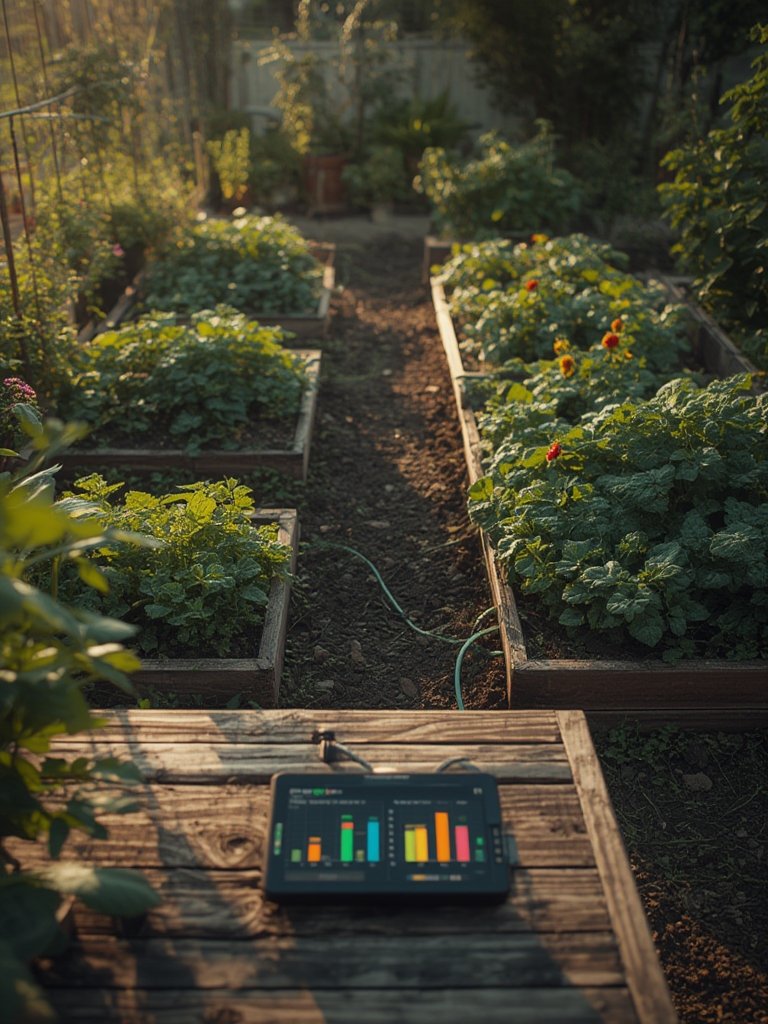
Digital Twins in Gardening offer a glimpse into the future of landscape and garden management. While costs and a learning curve remain, these tools let you visualize, experiment, and optimize your garden design like never before. Whether you want to maximize food, save water, or simply avoid costly mistakes, a digital twin gives you data-driven confidence. Interested in a smarter garden? Experiment with a free planner first—then upgrade tools as your skills grow. For advanced outdoor planning, don’t miss our Cozy Outdoor Lounge Furniture guide as your next step.
FAQs
What is a digital twin in gardening?
A digital twin in gardening is a virtual replica of your garden that incorporates real-world data such as soil, sun exposure, and plant types. This allows you to simulate different layouts and conditions before making changes in the real garden.
Can digital twins in gardening actually help me save water?
Digital twins let you model water usage patterns and test irrigation schedules virtually, so you can identify the most efficient strategies. However, home-scale tools vary in their simulation accuracy, so always validate with real-world tests.
Are there affordable digital twin tools for small gardens?
Yes. While advanced systems can be costly, several free or low-cost garden planner apps offer simplified digital twin features. Cloud-based tools are bringing this technology within reach for hobbyists.
How accurate are current AR apps for plant placement or soil mapping?
Most AR plant placement apps provide useful visual previews, but their predictions for long-term growth or soil water needs are basic. For critical planning, cross-check with local knowledge and manual measurements.
Is my personal data safe with digital garden planner apps?
Data privacy standards vary widely between apps. Use established, reputable platforms and always review privacy policies to understand what data is collected and how it is used.