

Smart Modular Lighting is revolutionizing modern homes and offices in 2024, combining flexible design, energy efficiency, and seamless integration with your favorite smart home systems. If you’re planning a renovation or want to future-proof your living or working space, understanding these systems will help you make smarter decisions, avoid costly mistakes, and boost long-term value.
Key Takeaways
- Smart Modular Lighting offers scalable, energy-saving, and highly customizable solutions for 2026-ready homes and offices.
- Current systems support seamless integration with Alexa, Google Home, Apple HomeKit, and Samsung SmartThings via Matter and Thread protocols.
- Major installation and ROI hurdles remain, including lack of transparent cost data and realistic comparative energy savings.
- Smart Modular Lighting: The Core Concept
- Step-by-Step Guide: Implementing Smart Modular Lighting
- Advanced Analysis & Common Pitfalls
- Conclusion
- FAQ
Smart Modular Lighting: The Core Concept
Smart Modular Lighting combines intelligent controls, IoT, and a modular hardware structure. The result is a highly adaptable system that allows you to customize layouts, automate operation, and minimize energy waste. Instead of a rigid setup, you can swap, add, or move lighting modules as needs change—ideal for evolving homes, open-plan spaces, or flexible workplaces.
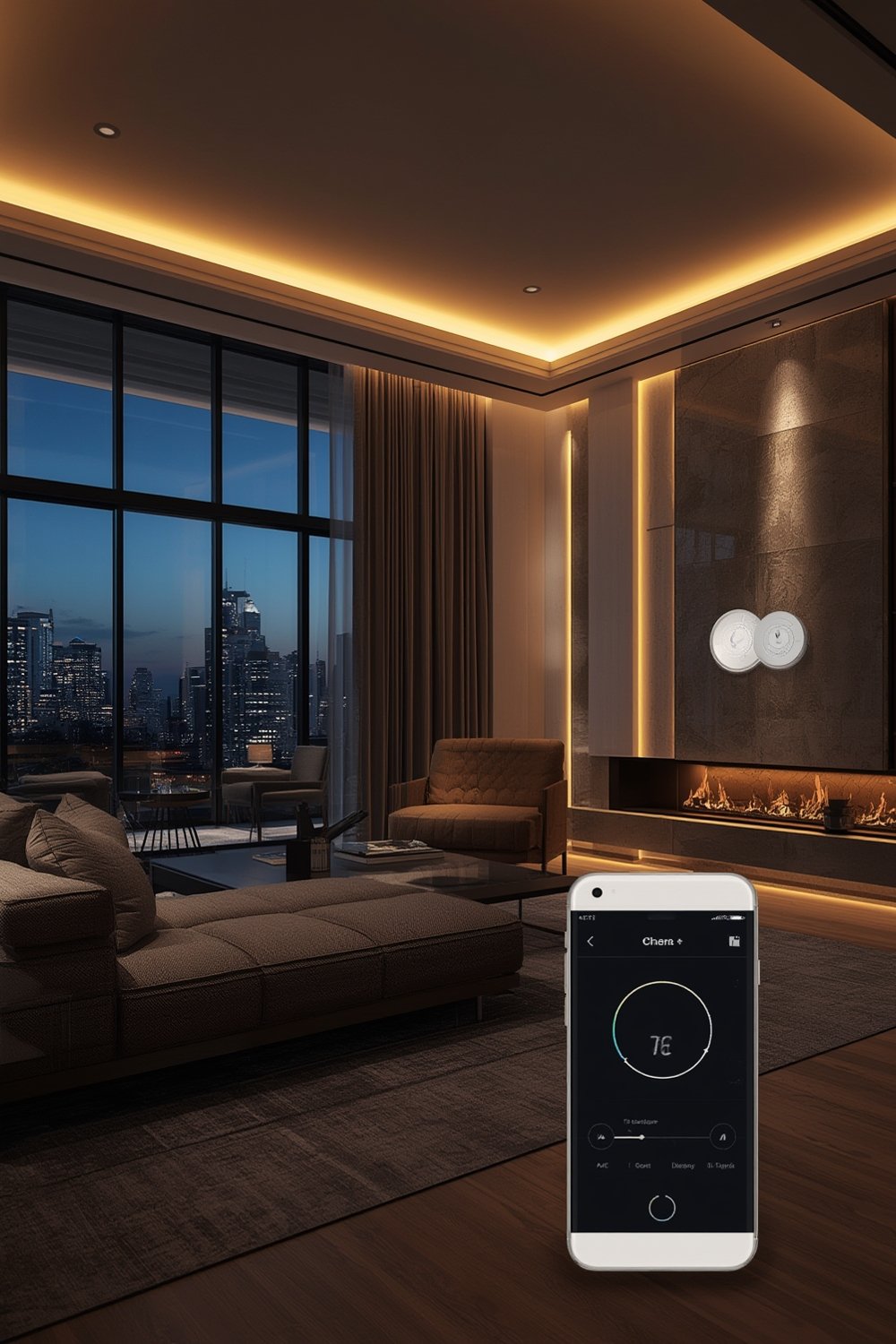
What’s driving adoption in 2024? Massive growth: The global modular lighting systems market is projected to reach USD 2.12 billion by 2031, while the broader smart lighting market—spanning wireless, IoT, and modular—may top USD 137.24 billion by 2035. Growth is fueled by smart city initiatives, IA/IoT advances, and stricter energy codes worldwide.
Looking to optimize your space even further? Consider pairing smart lighting with motorized blinds or explore energy efficient upgrades for a holistic approach.
What sets smart modular lighting apart:
- Personalized control: Tunable white/color temperature, room-by-room scenes, and app or voice management.
- Modularity: Add, remove, or reconfigure light modules as rooms change.
- Compatibility: Certified for Alexa, Google Home, and Apple HomeKit—just select “Matter Ready” devices.
For a seamless smart home foundation, see our Smart Home Installation Services Guide.
Step-by-Step Guide: Implementing Smart Modular Lighting
Ready to give your home or office a smart modular lighting upgrade? Here’s a simple, actionable plan for success, based on the latest research and best real-world practices.
-
Assess and Plan Your Space:
- Walk through your home, listing rooms and areas needing new or upgraded lighting. Consider open areas, workspaces, and accent zones.
- Sketch a basic layout. Mark where you need fixed lights versus flexible, modular units.
- Set goals: Do you want app control? Voice? Smart automation? Upfront clarity avoids mismatched hardware down the road.
-
Select Your Smart Modular Lighting System:
- Choose a core system (Nanoleaf, Leviton, Philips Hue, etc.) that supports modularity, Matter, and Thread.
- Ensure compatibility with your smart home hub (Alexa, Google Home, Apple HomeKit, Samsung SmartThings).
- For rental spaces, favor wireless, plug-in modules that can move with you.
-
Choose Fixtures and Controls:
- Opt for easy-to-add modular fixtures—track lights, magnetic panels, or connector-based bars.
- Install smart dimmers or adaptive AI switches for rooms needing mood or circadian shift lighting.
- Buy enough modules for planned coverage, but don’t feel pressured—all quality systems let you add pieces later.
-
Professional vs. DIY Installation:
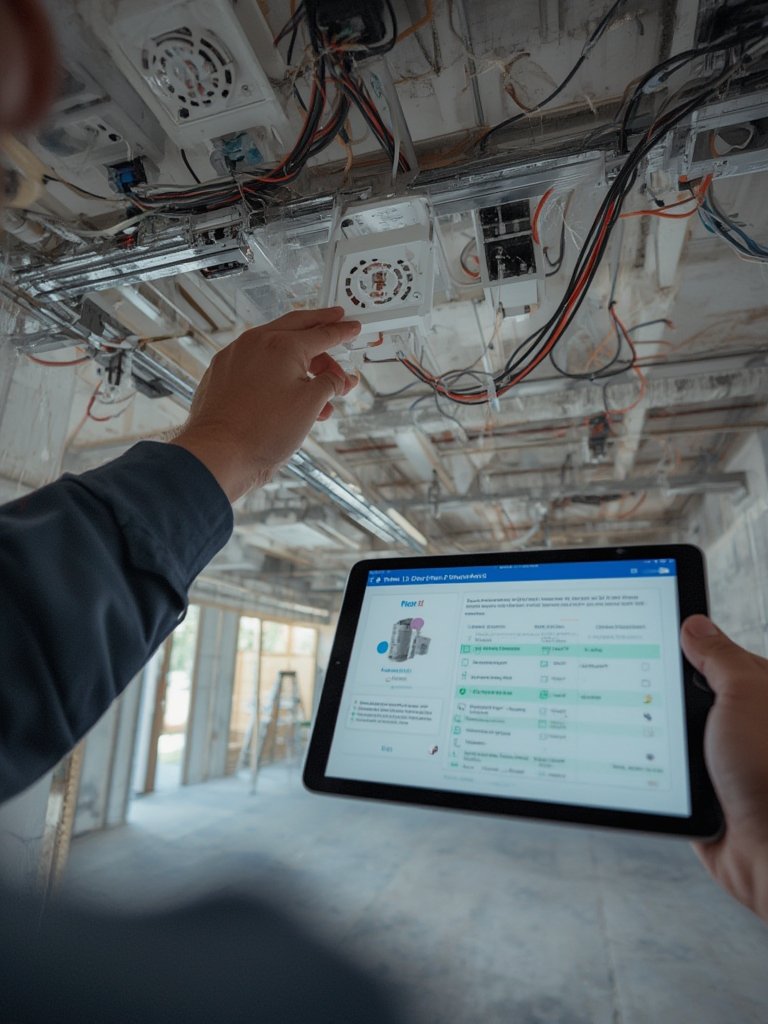
- DIY plug-in modules or retrofits are feasible for renters or simple spaces; otherwise, hire a certified pro for hardwired or recessed installs.
- Get quotes in writing. Confirm technicians’ experience with Matter and Thread setups.
- Remember, smart bulb prices have dropped 22% in 2024 (source), but professional labor varies widely.
-
Integrate and Automate:
- Download and link all manufacturer and platform apps (Apple Home, Google Home, Alexa, etc.).
- Run Matter onboarding. Setup is usually one firmware update—no more juggling separate device apps.
- Set routines: e.g., sunrise/sunset, occupancy-triggered, or custom “scene” lighting for entertaining, work, or sleep.
-
Test & Troubleshoot:
- Test each module via both app and voice control—fix naming, grouping, or connectivity issues early.
- If a room lags or disconnects, add a Thread border router or extender/bridge module.
- Document your system. Save QR codes, passwords, and diagrams for future troubleshooting or upgrades.
-
Extend to Maximize Value:
- Combine smart lighting with net zero ready home upgrades or use with voice controlled shades for even greater energy savings and comfort.
- If you have pets, check out healthy home for pets tips before wiring or mounting lights low on walls.
For maximum value, get professional advice with our kitchen remodel ROI tips or combine your lighting upgrade with other energy efficient home improvements.
Advanced Analysis & Common Pitfalls
No system is perfect. Here’s a frank look at what research reveals—and what isn’t talked about enough in top-ranking articles:
- Hidden costs and unclear pricing: There’s a lack of reliable, real-world cost data for full-system purchases and pro installs. Expect hardware, labor, and integration expenses to vary sharply by region and installer expertise.
- Compatibility confusion: Earlier Zigbee and WiFi-only devices often suffer from poor integration, lag, or app-juggling. Matter and Thread protocols are now a must-have for seamless multi-brand ecosystems (source).
- ROI and energy savings: While smart, modular, and AI lighting is marketed as a green solution, there’s no peer-reviewed data directly comparing ROI or energy savings to traditional lighting. General trends suggest lower operational costs thanks to LED and occupancy sensors, but don’t count on a specific payback term or massive savings windfall just yet (source).
- Installation hurdles: Without manufacturer or protocol standardization, installer experience can be hit-or-miss. Confirm skills in Matter/Thread before booking any contractor.
- Feature gaps: Many competitor articles ignore maintenance, long-term reliability, and what happens when tech vendors drop support.
Here’s a quick side-by-side look:
| Aspect | Ideal Scenario | Realistic Pitfall |
|---|---|---|
| Initial Cost | Competitive, all-in-one pricing, clear labor costs | Major price range, hidden pro install fees, unclear upgrade paths |
| Integration | One app, universal compatibility | Older Zigbee/WiFi units may not work smoothly—requires research |
| Automation | Effortless automation and schedules | Setup can be buggy or require tedious app linking |
| Energy Savings | Immediate utility bill drops, measurable ROI | No peer-reviewed figures; savings vary with user effort/usage |
| Support & Longevity | Brand-agnostic, future-proof tech | Vendor lock-in risk, support uncertainty, firmware updates vary |
If you’re planning a full renovation, be sure to see our bathroom remodel guide or outdoor living trends for integrated upgrade strategies.
Conclusion
Smart Modular Lighting puts you in control of your comfort, style, and energy use—without locking you into rigid layouts or outdated tech. Seamless Matter and Thread integration makes now the best time to invest, but approach upgrades with your eyes open: costs and ROI are far from transparent, and installer skills in this area can range dramatically.
The bottom line: Prioritize compatibility, professional support, and careful planning to ensure your Smart Modular Lighting upgrade delivers real value and works for your lifestyle.
Ready to future-proof your space? Start planning your lighting transformation, and check out our Smart Home Installation Services Guide for next steps!
FAQ
How much does Smart Modular Lighting cost to install in 2024?
There’s no one-size-fits-all answer. While smart bulb and module prices have dropped 22% in the past year, pro installation for hardwired or whole-home systems may still be expensive. Always get quotes in writing and expect to pay more for certified Matter/Thread setups.
Will Smart Modular Lighting work with Alexa, Google Home, or Apple HomeKit?
Yes—when you choose Matter 1.4 or higher-certified devices. Thread-based systems are especially reliable with all major platforms, including Samsung SmartThings.
Do I really save energy with Smart Modular Lighting?
Most users save some energy through LEDs, automation, and occupancy sensors. But there isn’t direct ROI or utility bill savings data comparing smart modular systems to old-fashioned fixtures. Use smart routines, daylight sensors, and scene control for best results.
What are the biggest dangers or downsides to these systems?
Vendor lock-in, unpredictable long-term support, and integration headaches—especially with legacy Zigbee or WiFi gear. Carefully check for “Matter” and “Thread” on the box. Installation quality and clarity of upgrade paths remain issues for many homeowners.
Can I retrofit smart modular lighting into an older house or apartment?
Yes, but it’s easier with plug-in modular units and wireless controls. For full rewiring or built-in fixtures, consider hiring a qualified pro experienced with Thread and your local wiring codes.
—